The short answer
Print the pattern at 100% scale, use the paper size named in the product file, and confirm the scale before printing the full set. A pattern that is scaled down can produce a garment that does not match the stated size.
What to check before printing
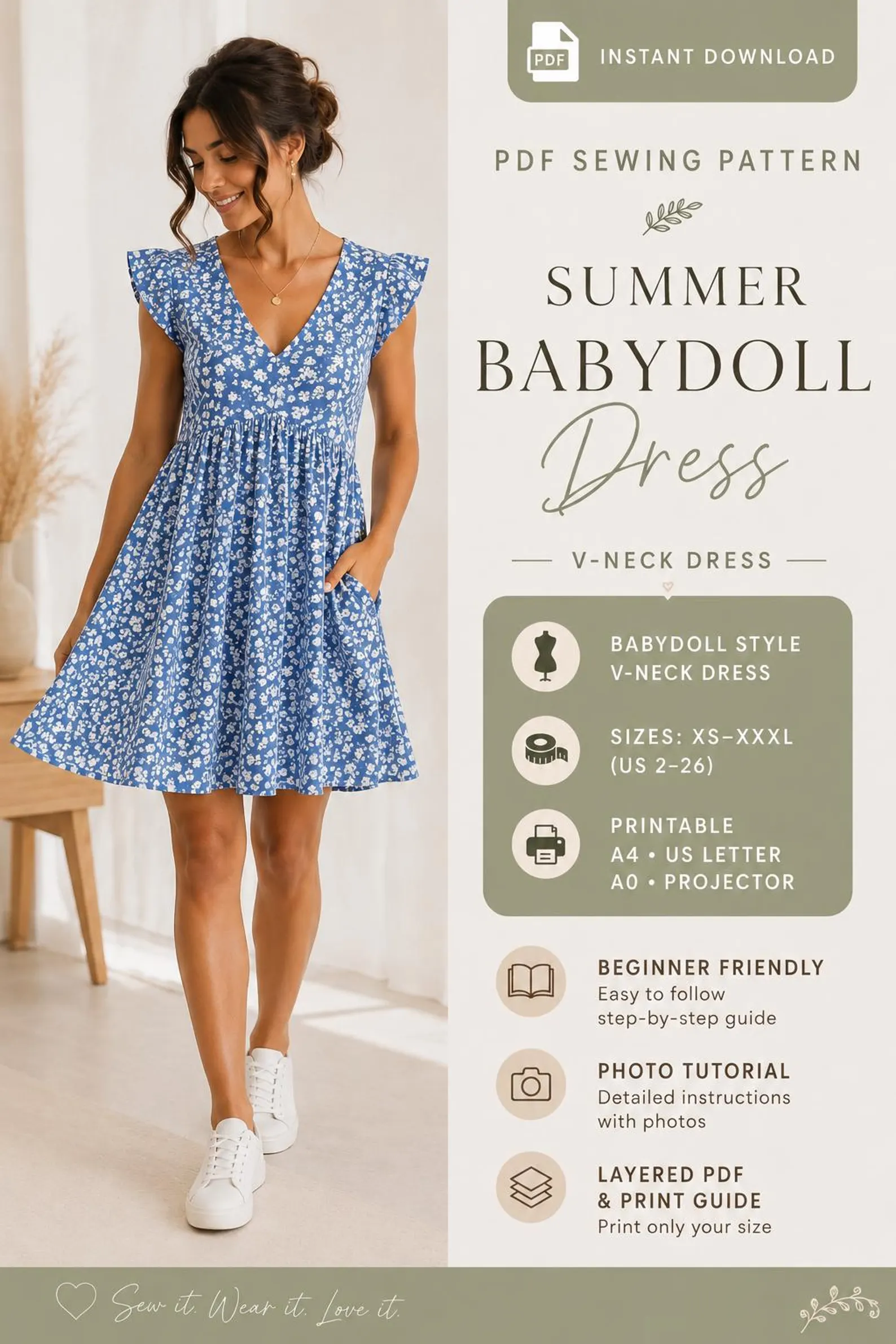
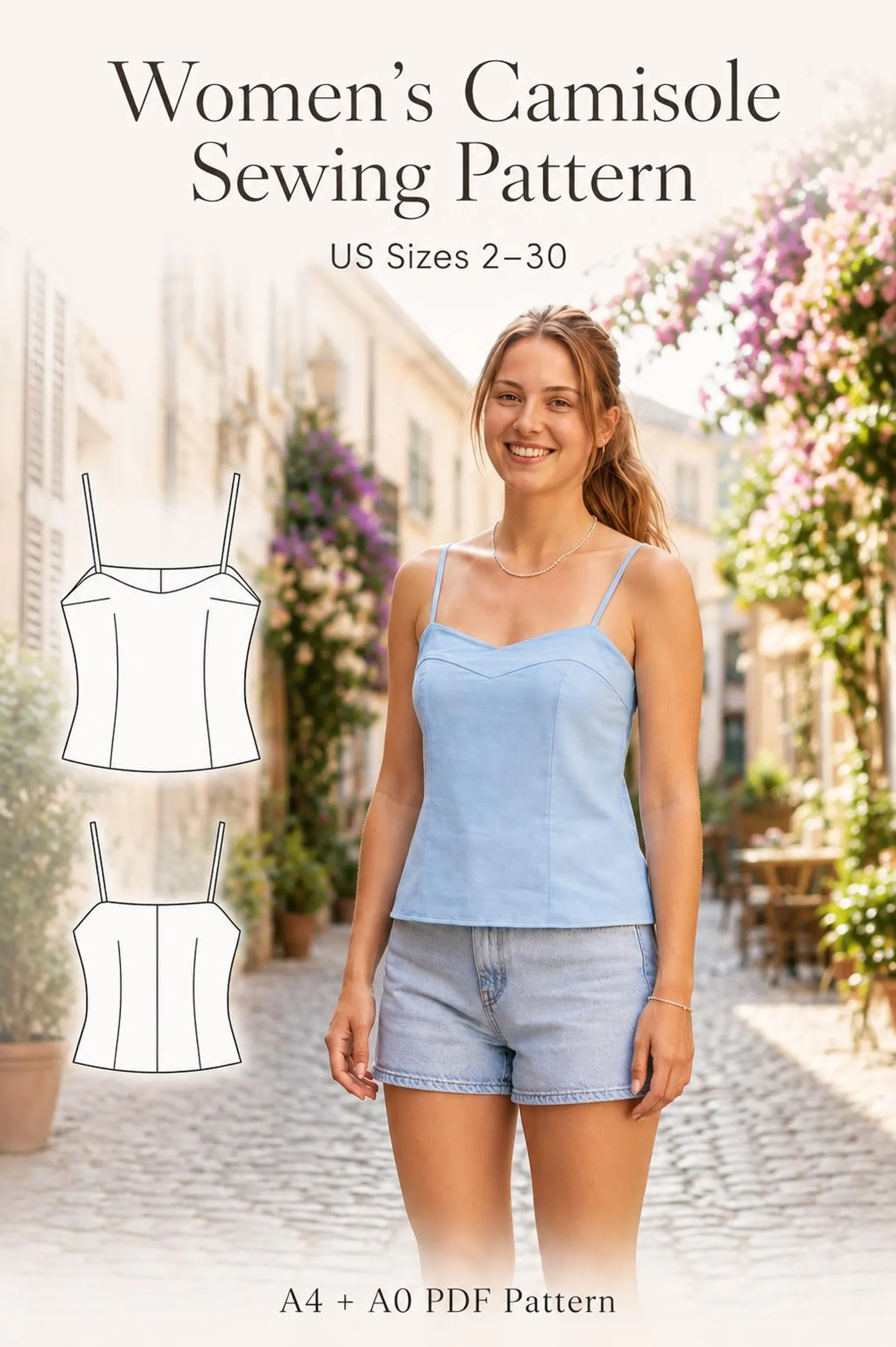
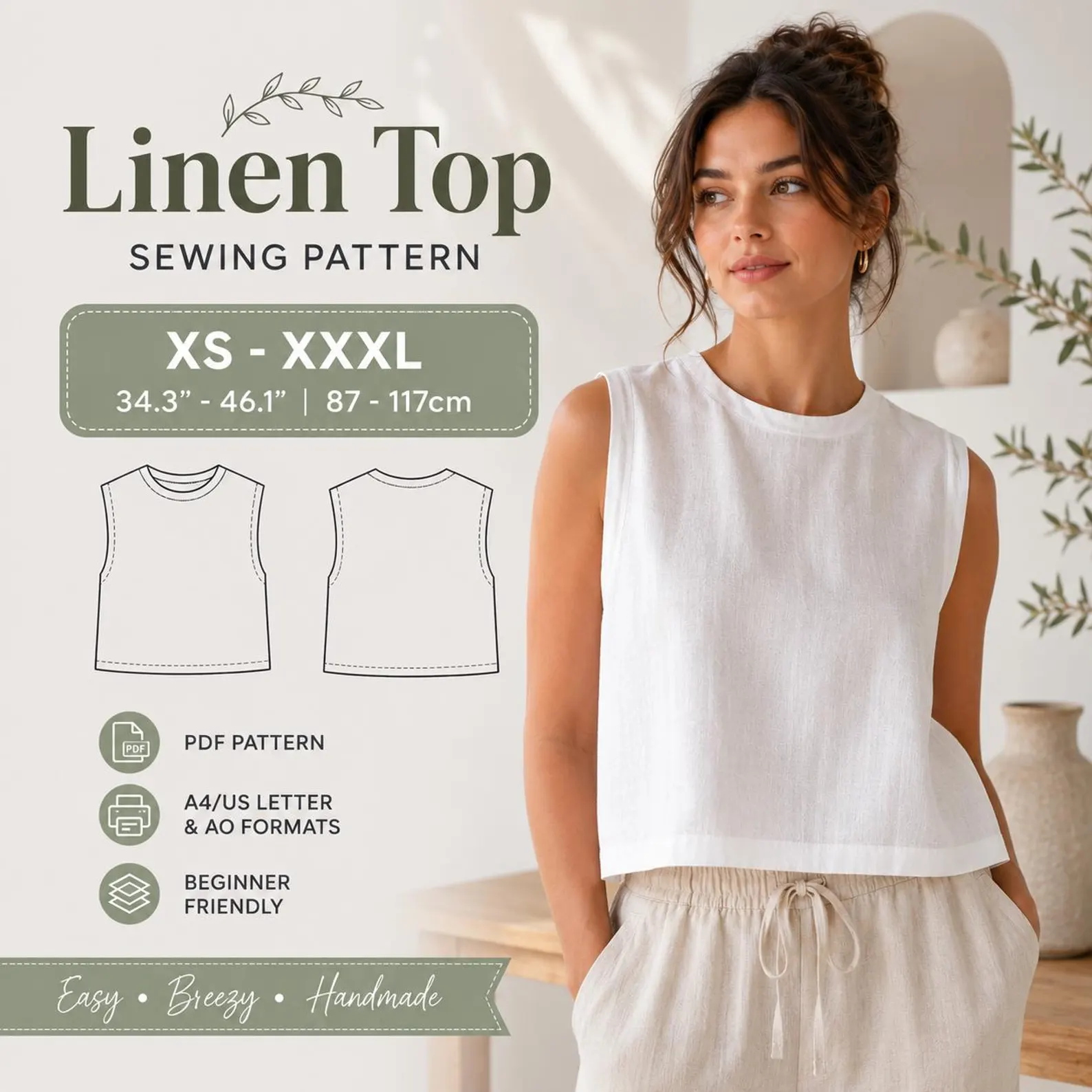
Open the PDF in a desktop viewer and check the file format. Every Patternsora pattern includes A4, US Letter and A0 files.
- Use a printer that can handle the selected paper size.
- Disable options such as “fit to page” or “shrink oversized pages.”
- Print a single test page and measure the scale line if the file provides one.
After the pages print
Arrange pages in numerical order, trim the edges and follow the file’s assembly instructions. If a product supplies a layered file, use its layer controls to show only the size you need.
Ready to choose a pattern?
Compare the verified sizes, formats and included files on the product pages below.