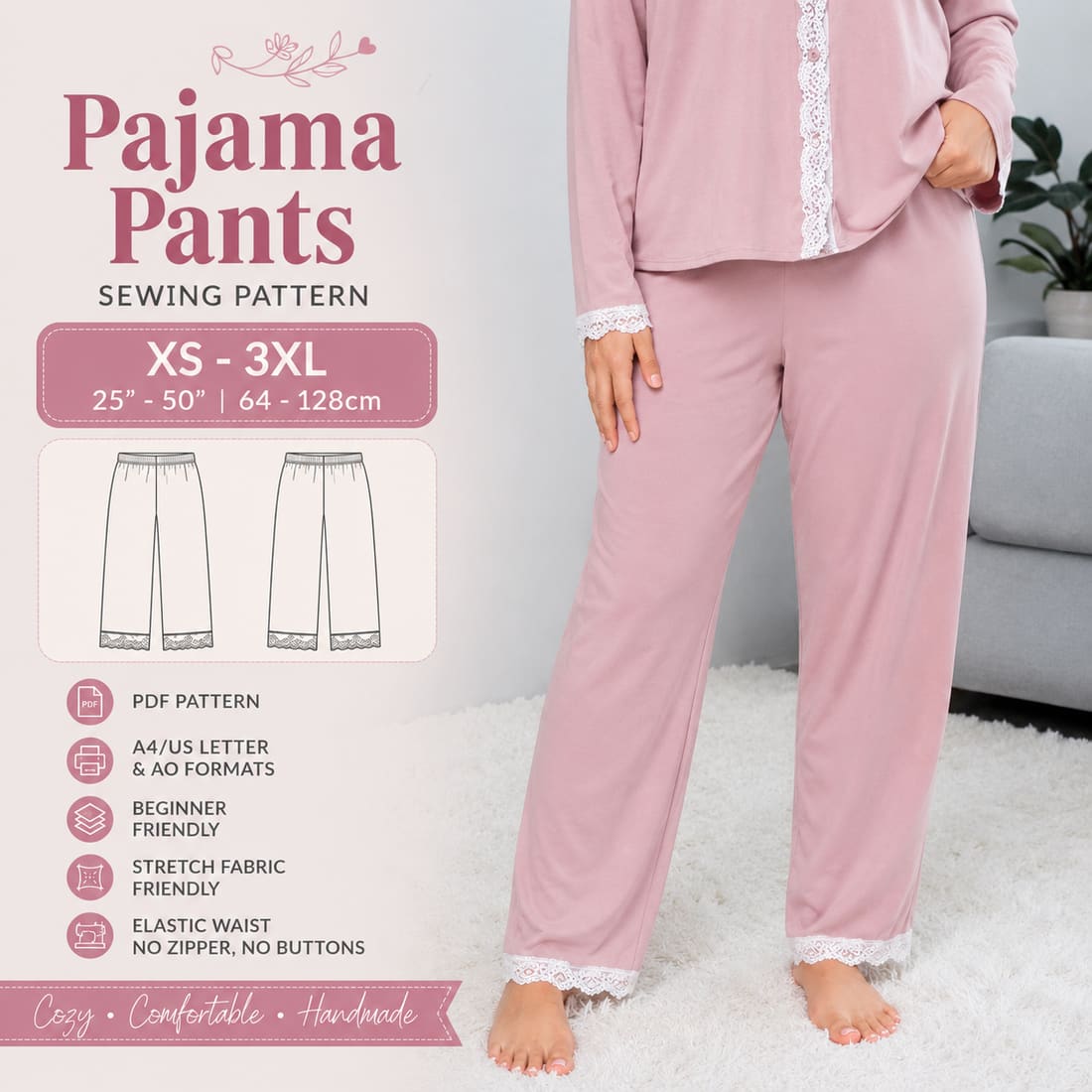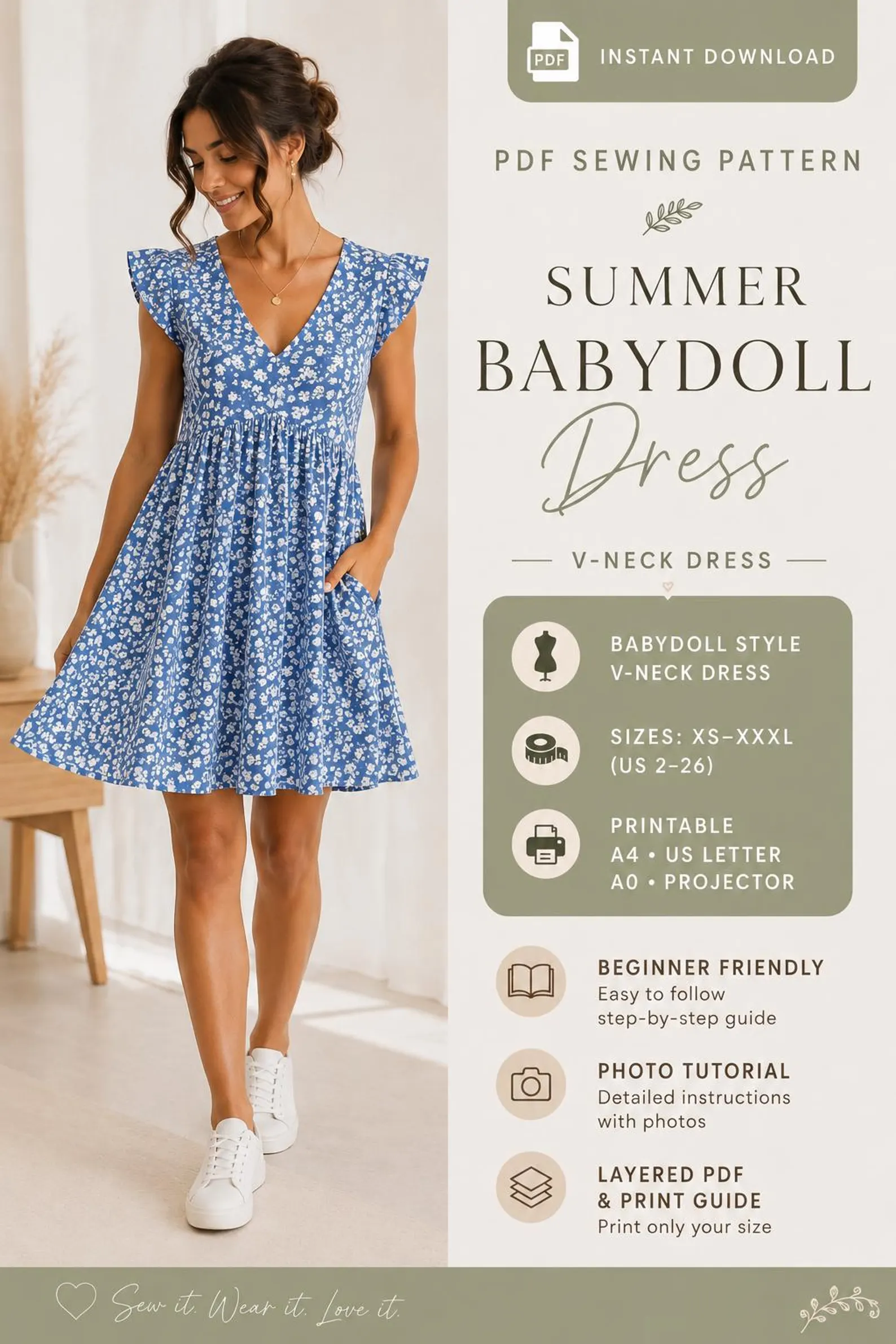
A0 and A4 at a glance
A0 files are intended for large-format or tiled copy-shop printing. A4 files are intended for home printers and are usually tiled or divided into pages. The practical difference is the printer and paper size, not the garment design.
| A0 | A4 | |
|---|---|---|
| Paper size | 841 × 1189 mm (33.1 × 46.8 in) | 210 × 297 mm (8.3 × 11.7 in) |
| Where you print it | Copy shop or large-format printer | Most home printers |
| Pages to assemble | None for full pieces | Usually 2–4 sheets |
| Best for | Full-length garments and complex layouts | Quick home printing of small and medium pieces |
| Typical cost | Print-shop price per sheet | Ink and paper at home |
How long each option takes
Printing and assembling a tiled A4 pattern usually takes 5 to 10 minutes including taping, and a large multi-page layout can take 15 to 30 minutes. A full-size A0 print takes about 2 minutes at the shop plus drying time, but you still need to travel there or wait for delivery.
- A0 print at a copy shop: about 2 minutes on the machine.
- A4 home print: about 5 minutes for 6 to 12 pages.
- Taping and trimming an A4 layout: 10 to 25 minutes.
- A0 collection trip: add 20 to 60 minutes of travel.
Choose A0 when.
Choose A0 when you want fewer assembled pages, have access to a large-format printer or prefer a copy shop to handle the tiling.
- You do not have a home printer that supports the file size.
- You want the pattern printed as larger tiles.
- The product listing explicitly confirms an A0 file.
Choose A4 when.
Choose A4 when a home printer is more convenient. Follow the product's stated scale and assembly instructions; do not mix formats unless the guide says it is safe.
Compare the verified sizes, formats and included files on the product pages below.